
How to Check Etisalat Balance in UAE: Prepaid, Postpaid and Data
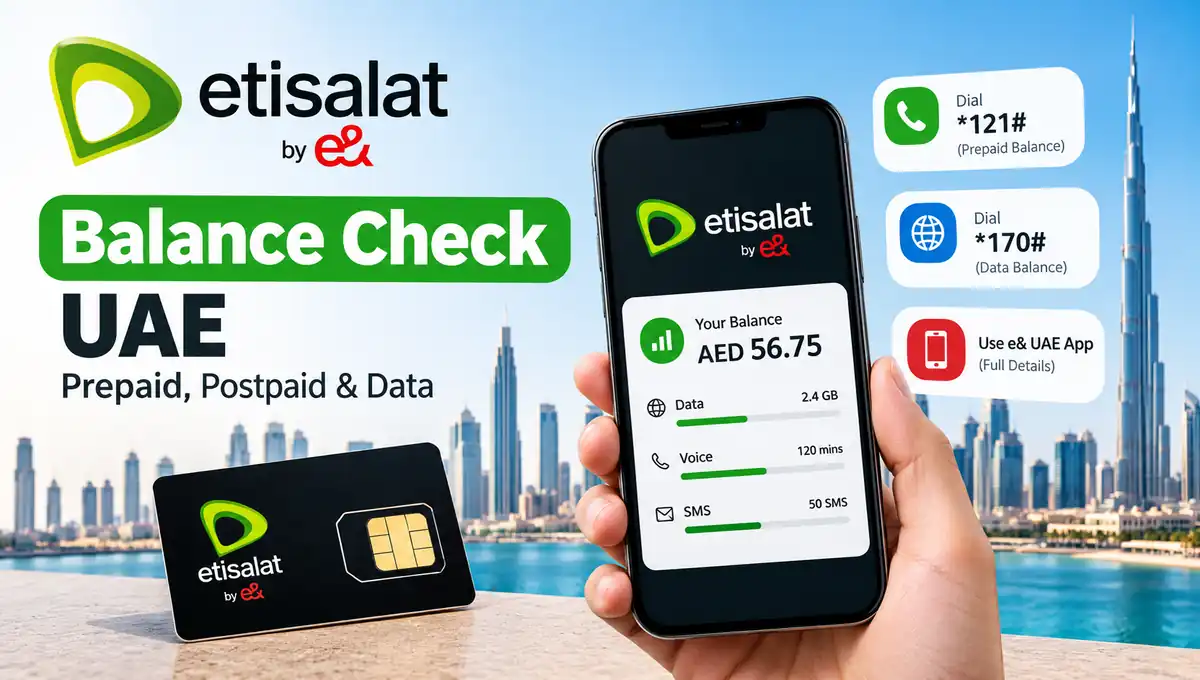
Checking your Etisalat balance in the UAE is simple once you know the correct code or method. Whether you use a prepaid Wasel SIM, a postpaid mobile plan or a data package, you can check your available balance and remaining benefits using USSD codes, the e& UAE app or the official website.
Etisalat now operates under the e& UAE brand, although many residents still search for “Etisalat balance check” when they want to know their remaining credit, mobile data or monthly bill.
For prepaid customers, dial *121# to check the available balance. If you want to check remaining data, dial *170# or use the e& UAE app. Postpaid customers can review their plan allowances and billing information through the app, website or supported USSD options.
This guide explains how to check your Etisalat balance in the UAE, which codes to use, how to check data and postpaid usage, and what to do if a balance inquiry does not work.
Etisalat Balance Check UAE: Quick Codes
If you need an answer quickly, start with the following table. The available options can vary by plan, so follow the instructions for your particular subscription.
| What you want to check | Method or code |
|---|---|
| Prepaid main balance | Dial *121# |
| Remaining data | Dial *170# |
| Available benefits and account options | Dial *101# |
| Postpaid usage and bill information | e& UAE app or website; supported plans may use *140# |
| Balance and remaining benefits online | e& UAE app |
| Data usage by SMS | Send DATA to 1010, where supported; SMS charges may apply |
These methods are based on e& UAE’s published account-management, billing and support information. Some codes provide a menu, while others show a specific balance or usage detail.
How to Check Etisalat Prepaid Balance in UAE
If you use a prepaid Wasel SIM, checking your main credit balance is straightforward. You do not need mobile internet to use the USSD method.
Method 1: Dial *121#
Follow these steps:
- Open the dialler on your mobile phone.
- Enter *121#.
- Press the call button using your Etisalat SIM.
- Wait for the on-screen response.
- Review your available balance and any other information displayed.
This is the quickest starting point when you want to check your prepaid credit before making a call, sending an SMS or purchasing a service.
The code is listed in e& UAE’s official account-management guidance for checking available balance.
Method 2: Use the e& UAE App
The official e& UAE app is useful when you want more information than a simple balance inquiry provides.
To check your balance:
- Download the official e& UAE app from the Google Play Store or Apple App Store.
- Open the app and sign in using the available verification method.
- Select your mobile account.
- Look at the home screen for your available balance and remaining benefits.
- Open the relevant account or usage section for additional details.
The app can show your remaining voice and data benefits, depending on your plan. You can also access supported account-management and recharge services.
Method 3: Check Your Balance on the Official Website
You can also manage your account through the official e& UAE website.
Visit etisalat sign in to your account and open the relevant account or usage section. Your available information depends on whether you use a prepaid or postpaid service and the features supported by your account.
This option is particularly useful if you are using a computer or prefer managing your account through a browser.
How to Check Etisalat Data Balance in UAE
Your main credit balance and remaining data allowance are different. You may still have money in your prepaid account but have already used the data included in your package.
Method 1: Dial *170#
To check your remaining data:
- Open your phone’s dialler.
- Dial *170#.
- Press the call button.
- Follow any menu instructions displayed.
- Check the remaining data information available for your package.
The *170# service provides access to data-related options. The precise information displayed can depend on your subscription and active package.
Method 2: Use the e& UAE App
Open the e& UAE app and select your mobile account. Look for the usage or benefits section to see the data remaining in your active package.
This is a useful option if you have several active bundles and want to review your available benefits in one place.
Method 3: Check Data by SMS
For supported services, e& provides an SMS option for monitoring data usage. You can send DATA to 1010, but charges may apply. Check the current terms before using this method.
For many users, the app or USSD option is more convenient because it avoids the need to send a paid SMS.
How to Check Etisalat Postpaid Balance in UAE
Postpaid customers generally receive a monthly bill rather than using prepaid credit in the same way as Wasel customers. For this reason, a postpaid balance inquiry may refer to the current bill, outstanding amount or remaining plan allowances.
Check Through the e& UAE App
- Open the e& UAE app.
- Sign in to your account.
- Select your postpaid mobile number.
- Open the billing or usage section.
- Review the available bill information and remaining benefits.
The app is a practical option for reviewing your account without relying on a single USSD code.
Check Through the Website
Visit the official e& UAE website and sign in to your account. Open the relevant postpaid account section to review billing and usage information.
Use *140# Where Supported
e& UAE’s published support information lists *140# for usage or balance-related enquiries on supported postpaid plans.
However, the exact information available can differ by plan. If the code does not return the information you need, use the app or website instead.
How to Check Etisalat Remaining Minutes and Active Packages
Sometimes you may want to know how many minutes remain in your plan rather than how much prepaid credit you have.
The e& UAE app provides an overview of available voice and data benefits for eligible accounts.
You can also dial *101# to access account information, available benefits and service options. Follow the menu to find the information relevant to your package.
If you have purchased a special bundle or promotional add-on, check its individual allowance and validity. A bundle may have a separate expiry date from your main prepaid credit.
How to Check Etisalat Balance While Roaming
If you are outside the UAE, your usual balance-checking method may not work because USSD availability depends on the roaming network.
Start by opening the e& UAE app if you have an internet connection. You can also check whether your account can be accessed through the official website.
For eligible Wasel prepaid services, e& UAE support information lists +971 4 004 121 as an international voice-response option for balance enquiries. International call charges may apply, so check the applicable roaming and calling rates before using it.
Do not assume that every code or service available inside the UAE will work while travelling abroad.
Why Is My Etisalat Balance Not Showing?
If your balance does not appear, the problem may be related to network coverage, the selected SIM, account access or a temporary service issue.
Try these steps before contacting customer support.
1. Check Your Mobile Signal
Make sure your phone has network coverage. If the USSD request fails, move to an area with a stronger signal and try again.
2. Confirm the Correct SIM
If your phone uses dual SIMs, make sure you are making the request from the correct Etisalat SIM.
3. Try the Official App
If the USSD code is not responding, open the e& UAE app using a working internet connection and check your account there.
4. Wait and Try Again
A temporary network or service issue can prevent an inquiry from completing. Wait briefly before retrying.
5. Contact e& UAE Support
If your balance still appears incorrect, contact e& through its official support channels. Explain which code or method you used and describe the problem.
Never share your account password, PIN or OTP with someone claiming they can resolve the issue through an unofficial service.
Frequently Asked Questions
How do I check my Etisalat balance in the UAE?
For prepaid credit, dial *121# from your Etisalat SIM. You can also check your balance and remaining benefits through the official e& UAE app.
What is the Etisalat data balance check code?
Dial *170# to access data-related options. You can also use the e& UAE app to review your remaining data allowance.
How can I check Etisalat balance without the internet?
Use the USSD method by dialing *121# for prepaid balance. Data-related inquiries can be accessed through *170#, depending on your package.
How do I check my Etisalat postpaid bill?
Open the e& UAE app or website and select your postpaid account. Supported postpaid plans may also provide usage information through *140#.
Can I check my Etisalat balance online?
Yes. Sign in to the official e& UAE app or website to review your account balance and available benefits.
Is the Etisalat balance check service free?
The cost depends on the method. USSD balance enquiries are generally available without an SMS charge, but certain SMS enquiries and calls may incur fees. Check the current terms for your specific service.
Why is my Etisalat data balance decreasing quickly?
Background applications, video streaming, downloads and other connected services can consume data. Review your phone’s data usage and the information available in the e& UAE app to understand where your allowance is going.
How can I contact Etisalat customer support?
Use the contact and support options published on the official e& UAE website. Choose the channel appropriate for your mobile account and location.
Final Thoughts
Checking your Etisalat balance in the UAE is easy when you use the correct method for your plan. Dial *121# for prepaid credit, use *170# for data-related enquiries, and open the e& UAE app when you need a more complete view of your balance and remaining benefits.
Postpaid customers should check their billing and usage information through the app, website or a supported inquiry code.
For the most accurate information, always confirm service details through the official e& UAE website. Regularly reviewing your balance and usage can help you avoid unexpected interruptions and manage your mobile plan more effectively.