
Hafilat Recharge 2026: How to Recharge Your Hafilat Card Online on TAMM, at Machines, Recharge Limits, Activation and Passes
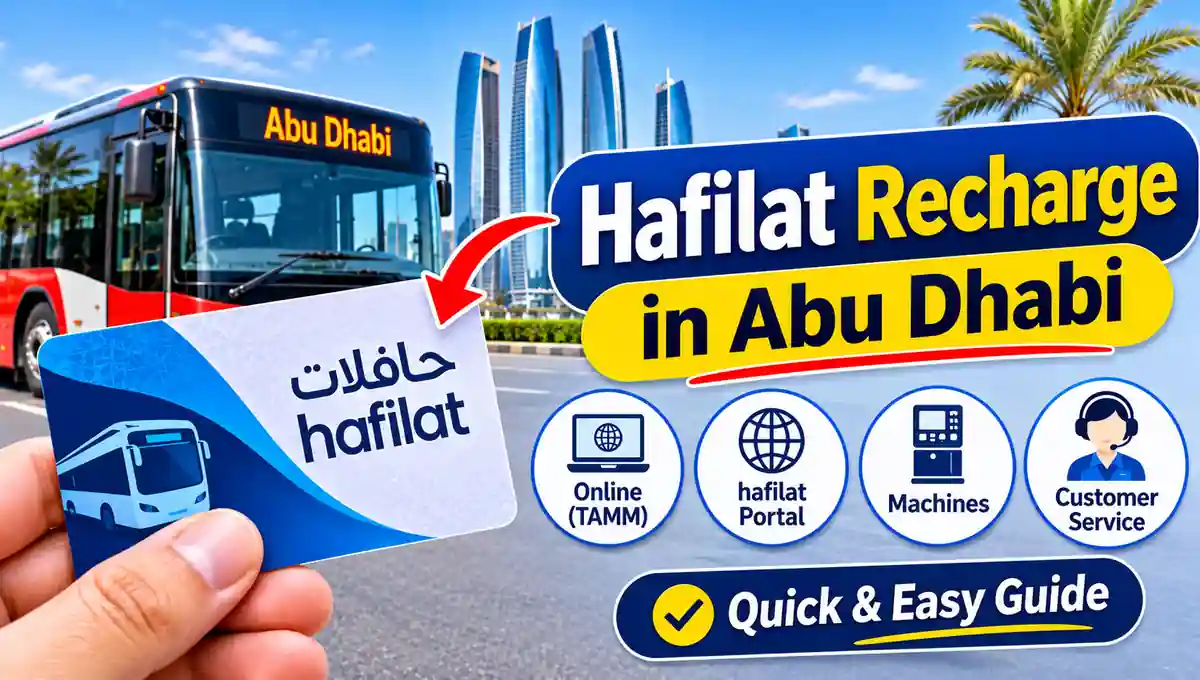
Abu Dhabi’s buses do not take cash. If your Hafilat card runs dry, you do not travel — so knowing how to do a fast, correct Hafilat recharge is an essential skill for every commuter, student and visitor in the emirate. You can recharge your Hafilat card online from your phone in a few minutes, top it up instantly at machines in every major bus station, or load a weekly or monthly pass that ends daily top-ups altogether.
This guide covers every Hafilat recharge channel in 2026 — TAMM, the official Hafilat portal at hafilat.darb.ae, ticket vending and recharge machines, and Customer Happiness Centres — with the rules riders most often get wrong: the AED 150 maximum balance, the two-hour wait before an online recharge is ready, the three-month activation deadline, and what to do when a paid recharge does not appear.
Before You Recharge: Know Your Card and Your Balance
Every recharge starts with two facts: which card you are topping up, and how much is already on it. The card is identified everywhere by the serial number printed on the back — online forms do not ask for your name or Emirates ID, only that number, so a single mistyped digit sends your money to someone else’s card or rejects the transaction. Photograph the back of your card once and keep it in your phone; you will use it for every online recharge and balance check.
Check the current balance first, using any method in our Hafilat balance check guide — the portal, TAMM, or a machine tap. It matters for a simple arithmetic reason: the card’s ceiling is AED 150 in total, not AED 150 per recharge. A card holding AED 120 can accept only AED 30 more. Riders who skip the balance check are the ones whose recharge “fails” or loads partially for reasons they never understand.
Also know your card type. Recharge works on the standard Anonymous and Personalised Hafilat cards and on concession cards. A Contactless Smart Ticket is a short-life, 30-day product for visitors; if yours is near expiry, buying a standard card is usually smarter than loading more money onto a dying ticket.
Method 1: Hafilat Recharge Online via TAMM
TAMM, the Abu Dhabi Government services platform, is the principal official route for a Hafilat recharge online in 2026:
Step 1: Open tamm.abudhabi or the TAMM app and sign in with UAE PASS, approving the sign-in prompt on your phone.
Step 2: Search TAMM services for Hafilat and select “Recharge of the Hafilat card”, also described as topping up the public transport card “Hafilat”.
Step 3: Enter the serial number of the card you want to recharge and review the card shown back to you. If the card type or details are not yours, stop — you have typed a wrong number.
Step 4: Choose your recharge amount, keeping your current balance plus the new amount at or below the AED 150 ceiling.
Step 5: Pay electronically with your bank card and keep the payment confirmation and transaction reference.
Step 6: Wait for the recharge to become ready — around two hours — and then activate it by travelling with the card or tapping it on a sales or recharge machine, at any point within the next three months.
Method 2: Hafilat Recharge on the Official Hafilat Portal
The dedicated card portal works without a TAMM account:
Go to hafilat.darb.ae, choose Recharge Card, and enter your card serial number. The portal shows your card and its current balance position — always glance at it before paying, because it is your last chance to catch a wrong number or a balance already close to AED 150. Select the recharge amount, pay with your bank card, and save the confirmation. The same timing rules as TAMM apply: roughly two hours before the value is ready, and activation by travel or a machine tap within three months.
Be precise about the address. Hafilat services live on the official darb.ae domain and on tamm.abudhabi; pages with similar names offering instant top-ups, discounts, or asking for your bank login are not official, and a recharge paid to a fake site loads nothing onto your card.
A note on apps: many older guides send you to the Darbi app for recharge. Abu Dhabi’s transport apps and names have been reorganised under Abu Dhabi Mobility and Darb — primarily the toll platform — and older app versions may no longer present Hafilat services at all. If your installed app has no Hafilat recharge, that is expected: switch to TAMM or the Hafilat portal instead of hunting through menus.
Method 3: Instant Recharge at Ticket Vending and Recharge Machines
When the bus is coming today — not in two hours — a machine is the right channel. At bus stations such as Abu Dhabi’s central station in Al Wahda and at major stops across Abu Dhabi, Al Ain and Al Dhafra, you will find Ticket Vending Machines (TVMs), sales and recharge machines, and Banknote Reloaders:
Tap or insert your card, and the machine reads and displays its real stored balance. Choose recharge, pick or enter the amount within the AED 150 ceiling, and pay by card or cash as the machine supports. The value is written to the card immediately — no reflection wait, no pending amount, no activation step. Take your receipt, and tap once more or re-check the screen if you want proof the new balance is on the card before you walk to the stand. Machines at retail partners and kiosks, including MBME payment kiosks found in malls and neighbourhoods, work on the same principle: paid value may follow the online timing if the kiosk does not write directly to the card, so for a journey starting now, prefer a machine that physically reads and writes your card.
Method 4: Recharge at a Customer Happiness Centre
An Abu Dhabi Mobility Customer Happiness Centre is the full-service option. Staff can recharge your card on the spot, sell you a new card, personalise an anonymous card against your Emirates ID, load a weekly, monthly, student, senior or People of Determination pass, transfer the balance from a lost or damaged personalised card, and untangle a failed online recharge with its transaction reference in hand. If your problem involves identity, eligibility, or money already paid, skip the machines and go straight to a centre — it is the only channel that can fix account-level issues, not just add value.
Recharge Amounts: How Much Should You Load?
There is no single correct amount; there is a correct amount for your riding pattern, inside the AED 150 ceiling:
Occasional rider: AED 20 to AED 40 covers ten to twenty city trips at AED 2 and keeps little money sleeping on the card.
Regular commuter on the T-Purse: AED 50 to AED 100 reduces recharge frequency. Remember regional trips at AED 2 plus 5 fils per kilometre and intercity at AED 2 plus 10 fils per kilometre drain faster than city trips.
Daily commuter: Stop recharging the purse and buy a pass instead — below.
Visitor: Load for your itinerary plus a small buffer, remembering an unactivated or leftover balance has no cash refund route for an anonymous card.
Whatever you load, load it early. The two-hour online reflection window makes “recharge at the bus stop” a plan that fails exactly when you need it most. The experienced Abu Dhabi routine is simple: check the balance in the evening, recharge online at night, tap in the next morning.
Passes: The Recharge You Only Make Once a Week or Month
A pass is a different product from T-Purse balance, loaded onto a personalised Hafilat card through the same channels — TAMM, the portal, machines and centres:
The Weekly Pass costs AED 30 and gives 7 days of unlimited bus travel within Abu Dhabi city from activation. The Monthly Pass costs AED 80 and gives 30 days unlimited city travel — against roughly AED 120 for the same month of twice-daily city trips paid from the purse, it is the default choice of full-time commuters. The Student Pass costs AED 500 per year and is available on personalised student cards. Senior citizens aged 60 and above and People of Determination receive free annual passes with their concession cards and supporting documents.
Passes cover city services; distance-based regional and intercity fares can still draw on your T-Purse, so a pass holder should keep a small purse balance as well — and should still check both the pass validity and the purse balance before a long trip. A pass activates on first use after purchase under the same activation discipline, so buy it when your travel is about to start, not weeks ahead.
Why Your Recharge Has Not Appeared — and How to Fix It
Work this checklist in order before contacting support. One: time. Less than two hours since an online payment is normal, not a failure — wait, then tap the card on a machine or travel to activate. Two: activation. A ready recharge that was never tapped onto the card stays pending; one machine tap usually ends the story. Three: the number. Compare the serial number on your payment confirmation with the back of your card; a recharge sent to a mistyped number cannot be pulled back by a machine, and needs Abu Dhabi Mobility support with your receipt. Four: the ceiling. If balance plus recharge exceeded AED 150, the excess could not load. Five: the window. A recharge left unactivated beyond three months may no longer be available to activate, and recovery becomes a support case. Six: payment itself. Confirm with your bank that the payment completed rather than sitting as a reversed authorisation.
If none of these explains it, take your card, Emirates ID if the card is personalised, and the transaction reference to a Customer Happiness Centre, or contact Abu Dhabi Mobility support with the same details. What you should never do is pay a second time “to see if it works” before the first payment’s status is known.
Recharge Safety: Official Channels Only
Recharge only on tamm.abudhabi, hafilat.darb.ae, official government apps, machines that read your physical card, and Customer Happiness Centres. Never enter your bank card on a site reached from a social media ad promising discounted balance, never share an OTP with anyone “helping” you top up, and remember a genuine recharge never costs more than the amount loaded onto the card itself.
Frequently Asked Questions About Hafilat Recharge
How can I recharge my Hafilat card online? On TAMM — sign in with UAE PASS, open “Recharge of the Hafilat card”, enter your card serial number, choose an amount and pay — or on the Hafilat portal at hafilat.darb.ae under Recharge Card. Online value is ready in around two hours and must be activated within three months.
What is the maximum Hafilat recharge and balance? The card can hold a maximum total balance of AED 150. Your balance plus any new recharge cannot exceed AED 150.
How long does an online Hafilat recharge take to reflect? Around two hours after payment. Recharge at a vending or recharge machine that writes to the card, or at a Customer Happiness Centre, is immediate.
What does “activate the recharge” mean? After an online top-up, travel with the card or tap it on a sales or recharge machine. That tap loads the pending value onto the card. You have three months from the recharge date to do it.
Can I recharge someone else’s Hafilat card? Yes — online recharge needs only the card serial number, so you can top up a family member’s card. Double-check the number: value sent to a wrong card cannot be retrieved at a machine.
Which is better, T-Purse recharge or a pass? If you ride city buses daily, a Monthly Pass at AED 80 for 30 days of unlimited city travel beats paying AED 2 per trip from the purse. Occasional and mostly regional riders are usually better with T-Purse balance.
My recharge was paid but never appeared. What do I do? Wait two hours, activate with a tap, and verify the card number and the AED 150 ceiling. If it is still missing, contact Abu Dhabi Mobility support or visit a Customer Happiness Centre with your transaction reference and receipt — do not pay again first.
Can I get a refund of Hafilat balance? Treat balance as non-refundable spending money for travel, especially on an anonymous card. A personalised card’s balance can be transferred to a replacement card at a Customer Happiness Centre if the card is lost or damaged.
Conclusion
A good Hafilat recharge habit is boring — and that is the point. Keep your card’s serial number saved, check the balance before it is urgent, top up online on TAMM or hafilat.darb.ae the night before you need it, respect the AED 150 ceiling and the three-month activation window, and use machines or a Customer Happiness Centre when you need value on the card now. Daily riders should price the AED 80 Monthly Pass before their next top-up: for many commuters it is the last recharge decision they make all month.